Countless more helped. And we're just getting started.
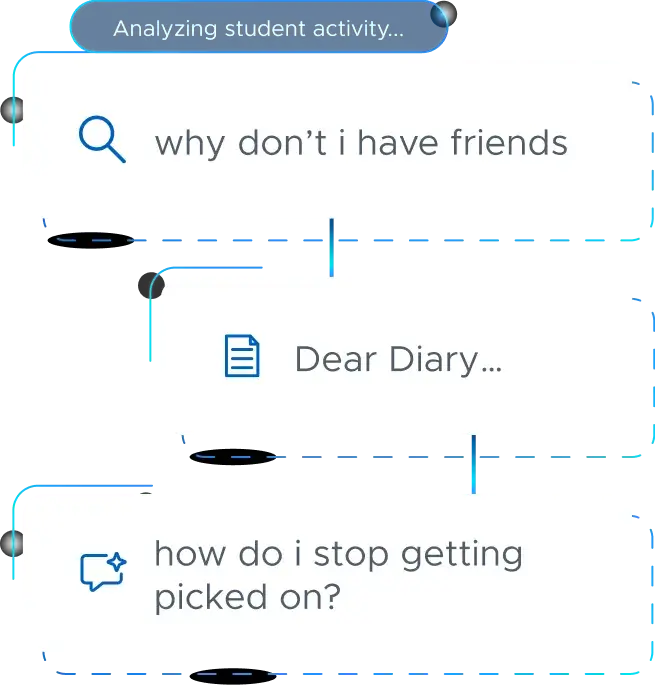
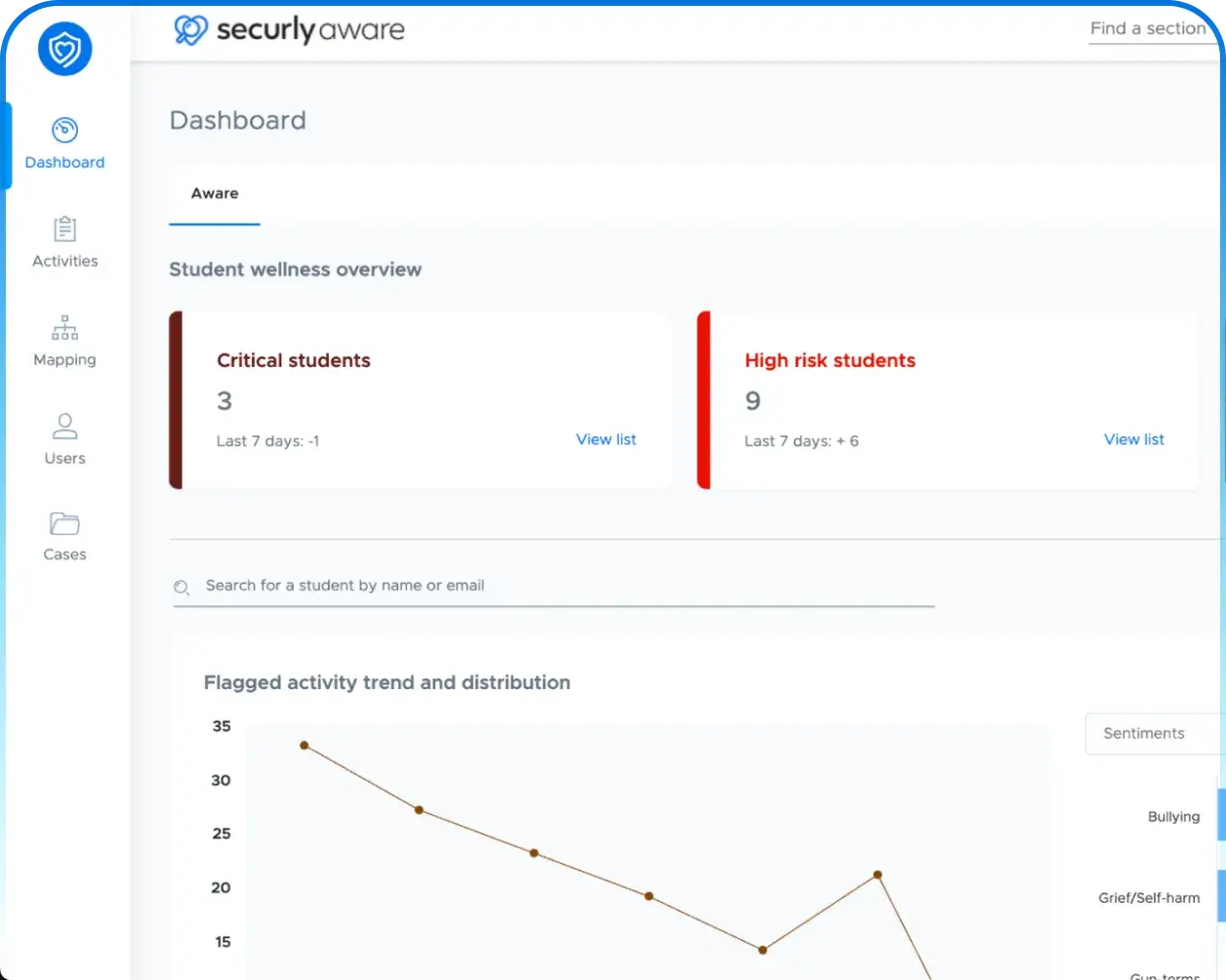
No educator wants to learn a student was in crisis and no one saw the signs. Securly's safety tools and
expert analysts monitor wellness across platforms, flagging concerning behavior and intervening before
it's too late. We can help your students too.
26,000+
Schools served
20m+
Students supported
One platform. Every aspect of student safety.
Each component of Securly's works together to give you a stronger safety net for your
students.
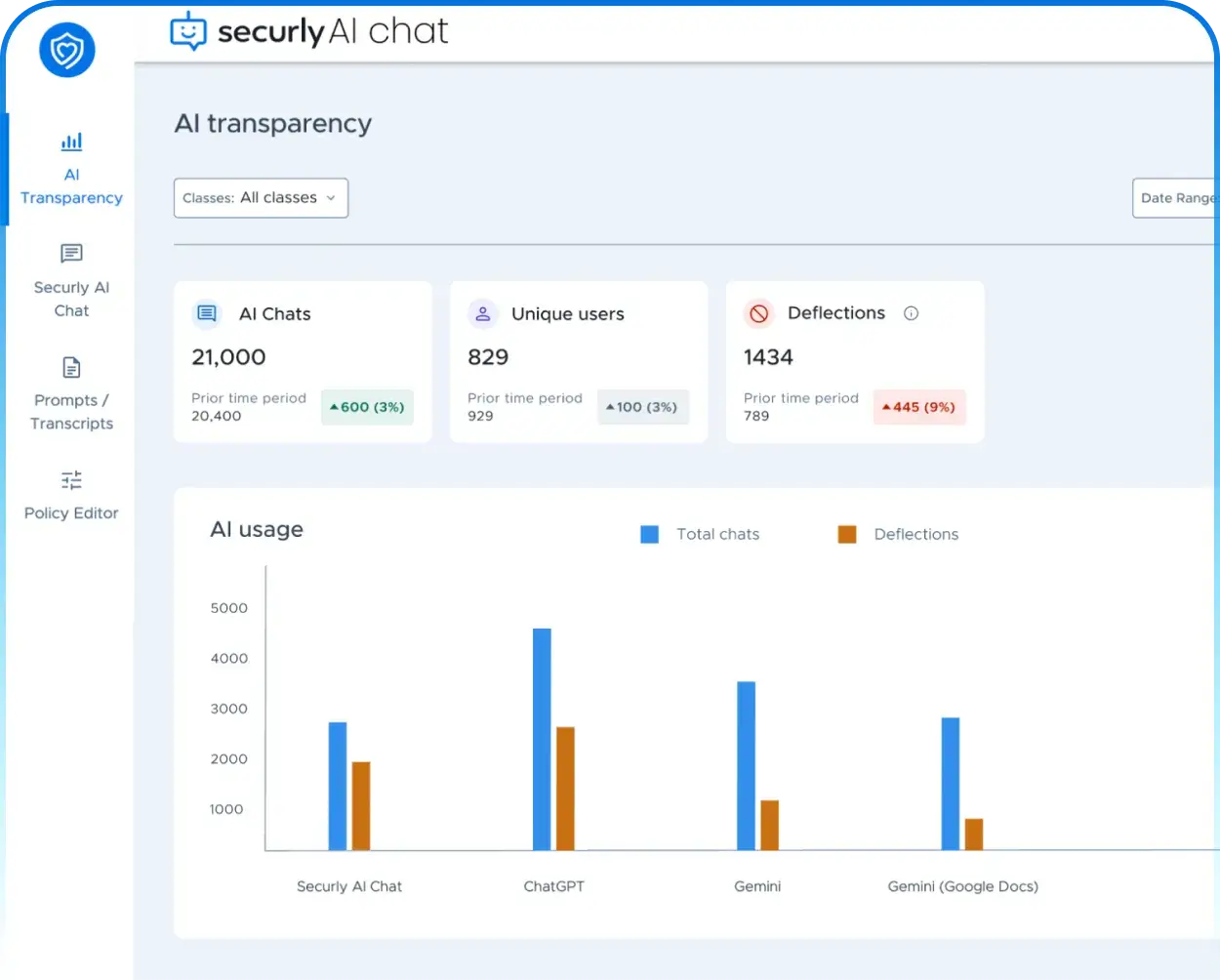
AI Transparency Solution
Get the visibility and guardrails needed to
embrace
AI safely.
Put guardrails on AI use just like you filter the web
See every prompt, and a birds-eye view dashboard of AI usage
Works across multiple third-party AI tools
Policy-Driven GuardrailsTransparency DashboardPrompt-Level VisibilitySafety AlertsFilter and Monitor Third-party AI Tools
Securly is FERPA, COPPA, and GDPR compliant, and SOC 2 Type 2 certified. We
never sell, rent, or trade student data, and we never use it for advertising. Privacy isn't an
afterthought. It's built into everything we do.
“Securly’s site categorization has been so
effective that we have not received a single request to unblock a site this school year.
This is unprecedented.”
“Knowing that students are being kept safe has created
a real community of trust between the district, its schools, and its families.”
“Securly has helped us save 4 student lives just this
year - and you can’t put a monetary value on that.”
“I’m not sure where we would be without Securly
in our district. It has become part of our culture and provides us the additional support we
need.”
“Securly provides that experience for districts looking
to expand learning outside of the traditional walls, while still giving insight to safety
and well being.”
“Securly understands the K-12 environment and continues
to look for innovative ways to protect our most valuable assets... the students.”
Ready to make meaningful change for your students and staff?
Securly gives your district a single, intelligent platform that protects students, reclaims
instructional time, and gives administrators the visibility you need across every layer of
safety.